You know how important it is to keep your business data safe. But managing passwords for your team can quickly become overwhelming and risky if not handled properly.
Choosing the right password manager isn’t just about convenience—it’s about protecting your business from costly security breaches. You’ll discover simple, clear steps to pick a password manager that fits your small business needs perfectly. Ready to make your passwords work for you, not against you?
Let’s dive in.
Why Password Managers Matter
Password managers play a crucial role in protecting small businesses. They help keep sensitive information safe. Many small businesses face cyber threats every day. Weak passwords leave your company open to hacking and data theft. A password manager stores and organizes all passwords securely. It also makes managing multiple accounts easier and safer.
Choosing the right password manager helps reduce risks. It improves overall security without adding complexity. Employees can focus on their tasks without worrying about password problems. Let’s explore why password managers matter for small businesses.
Risks Of Weak Passwords
Weak passwords are a common security risk. Hackers use simple methods to guess easy passwords. Many small businesses use the same password for multiple accounts. This practice increases the chance of a security breach. Once a hacker gets one password, they can access everything.
Data theft can lead to lost customers and damaged reputation. Recovering from a cyber attack costs time and money. Weak passwords also make businesses targets for ransomware attacks. These risks highlight the need for strong, unique passwords.
Benefits For Small Businesses
Password managers create strong and unique passwords automatically. This reduces the chance of being hacked. They also store passwords safely with encryption. Employees no longer need to remember multiple passwords. This reduces password-related errors and frustration.
Using a password manager saves time during login and password changes. It also helps teams share passwords securely without exposing them. Many password managers include features for monitoring password health. They alert you if passwords are weak or reused.
Overall, password managers boost security and productivity. They protect sensitive business data from cyber threats. Investing in a password manager is a smart step for small businesses.
Key Features To Look For
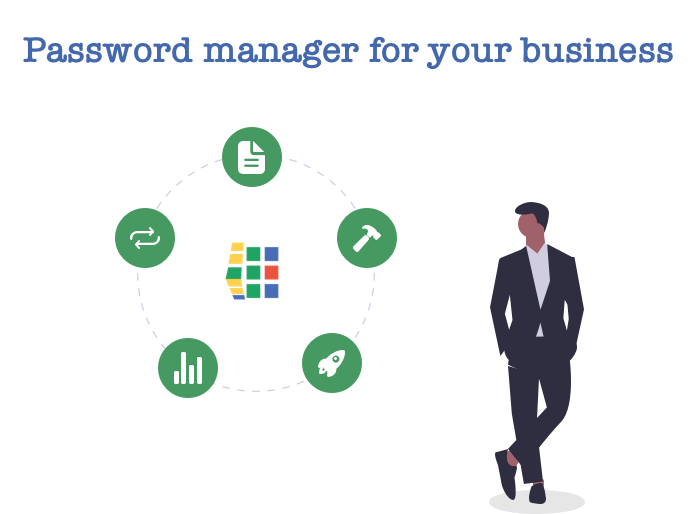
Choosing the right password manager for a small business requires focusing on essential features. These features ensure your business data stays safe and easy to manage. Understanding what to prioritize helps you pick a tool that fits your needs and protects your team.
Security And Encryption
Strong security is the foundation of any password manager. Look for tools with end-to-end encryption. This means passwords are scrambled on your device and stay protected during storage and transfer. Zero-knowledge architecture is a plus. It ensures only you can access your data, not even the service provider.
User Access Controls
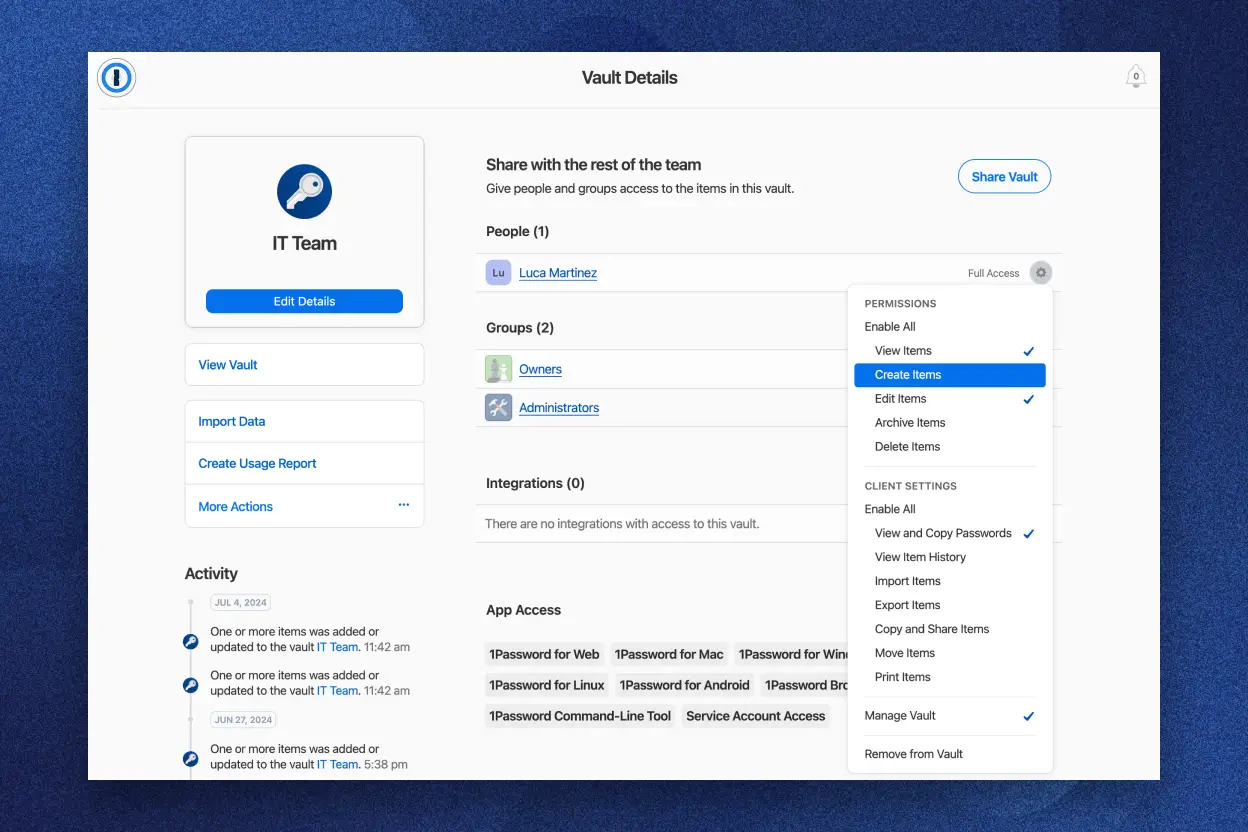
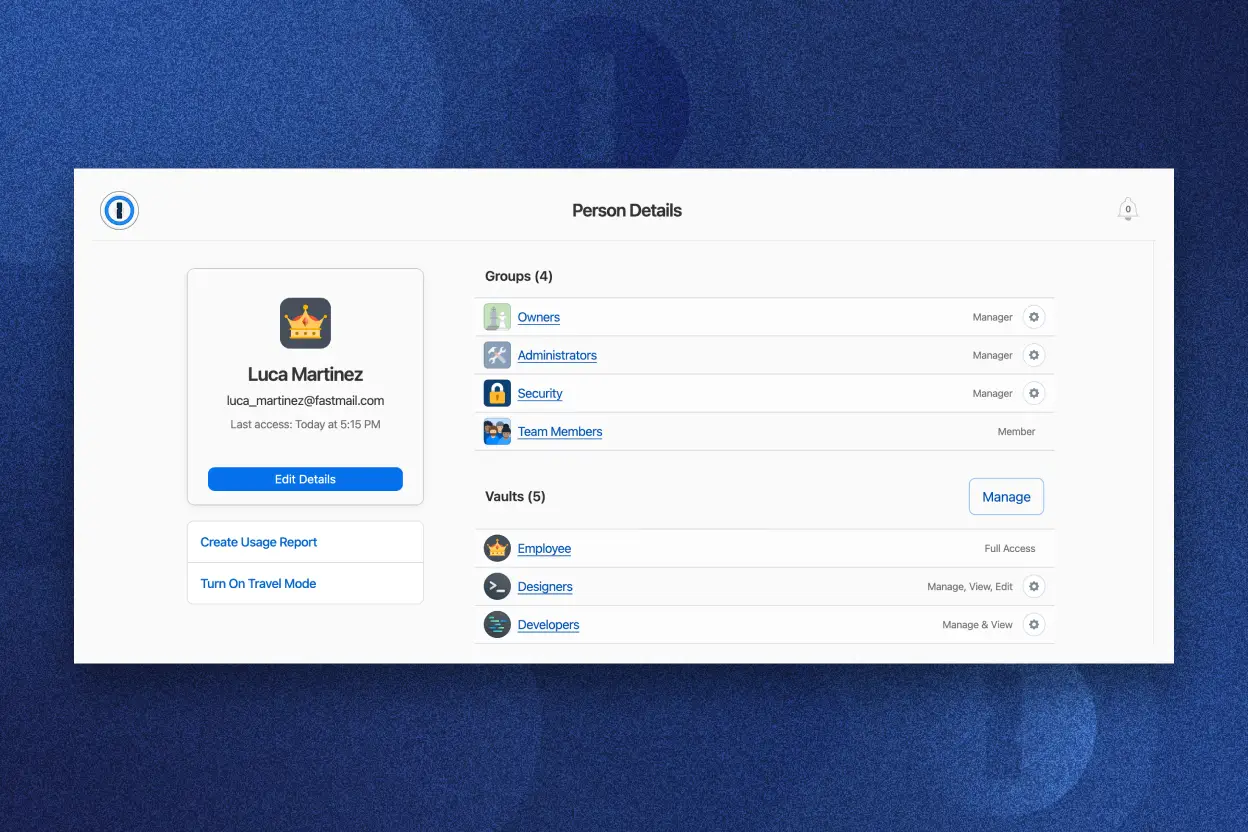
User access controls help manage who can see and use passwords. Choose a manager that lets you set roles and permissions. This way, team members access only what they need. It reduces the risk of accidental data exposure or misuse.
Password Sharing Options
Password sharing is vital for teamwork. Find a manager that allows secure sharing without revealing the actual password. Shared vaults or encrypted links keep information safe. This feature boosts collaboration without compromising security.
Multi-device Support
Small businesses use various devices. A password manager should work on computers, smartphones, and tablets. Syncing across devices keeps passwords updated everywhere. It makes accessing accounts faster and more convenient for your team.
Integration With Other Tools
Integrations save time and streamline work. A password manager that connects with browsers, business apps, and single sign-on systems is ideal. These integrations reduce manual entry and improve workflow. Check compatibility with your existing tools before choosing.
Types Of Password Managers
Choosing the right password manager starts with understanding the types available. Each type offers different features and suits different business needs. Knowing these types helps small businesses pick the best fit for their security and budget.
Cloud-based Solutions
Cloud-based password managers store passwords online. They allow easy access from any device with internet. These solutions often update automatically and offer team sharing features. Security depends on strong encryption and the provider’s reliability. They are usually simple to set up and scale with business growth.
On-premise Options
On-premise password managers keep data on local servers. This gives businesses full control over their information. They suit companies with strict security rules or limited internet use. Setup and maintenance require more technical skills. On-premise options may cost more but provide greater data privacy.
Open Source Vs Proprietary
Open source password managers share their code publicly. This allows experts to review and improve security. They often come with no license fees. Proprietary managers are developed by companies and keep their code private. They usually include customer support and regular updates. Choosing between them depends on budget, trust, and support needs.
Evaluating Pricing Models
Choosing the right password manager for your small business means understanding its pricing. Pricing can vary widely. Knowing the costs helps you pick the best fit for your budget and needs. This section breaks down common pricing models so you can make a clear choice.
Subscription Plans
Most password managers offer subscription plans. These usually charge monthly or yearly fees. Some plans are per user, while others cover the whole team. Look for plans that allow adding users easily as your business grows. Check if the plan includes all features or if some cost extra.
Free Vs Paid Versions
Many password managers have free versions. These often limit the number of passwords or devices. Paid versions provide more storage, advanced security, and team management tools. Free versions are good for testing. Paid plans offer better value for businesses with multiple users.
Hidden Costs To Watch
Watch for extra charges that may not be obvious. Some managers charge for premium features like priority support or extra security layers. Others add fees for more storage or advanced reporting. Check for cancellation fees or price increases after the trial. Knowing these costs upfront avoids surprises.
Ease Of Use And User Experience
Choosing a password manager for your small business means focusing on ease of use and user experience. A simple, smooth experience encourages team members to adopt the tool. Complex tools can slow down work and cause frustration. The right password manager should feel natural and be easy to manage.
Setup And Installation
Setup should be quick and straightforward. Look for password managers that offer step-by-step guides. Easy installation saves time and avoids technical issues. Some tools provide automatic syncing across devices. This helps your team stay connected without extra effort.
User Interface Design
A clean and clear interface makes navigation simple. Choose a password manager with intuitive menus and icons. Avoid tools with cluttered or confusing layouts. The design should help users find features fast. This reduces errors and boosts productivity.
Customer Support Availability
Reliable customer support is vital for small businesses. Check if the password manager offers live chat or phone support. Fast responses fix problems and reduce downtime. Also, look for helpful online resources like FAQs and tutorials. Good support builds confidence in the tool.
Compliance And Privacy Considerations
Choosing a password manager for your small business means paying attention to compliance and privacy. These factors protect your company’s sensitive data and build trust with clients. You need a tool that follows legal rules and keeps your information safe from hackers. Understanding key privacy features helps you pick the right password manager.
Data Protection Regulations
Data protection laws vary by region and industry. Some common rules include GDPR in Europe and CCPA in California. A good password manager must comply with these laws. Compliance ensures your business avoids fines and legal trouble. Check if the password manager provides data processing agreements and clear privacy policies.
Zero-knowledge Architecture
Zero-knowledge means the password manager cannot see your stored data. Only you have the encryption keys. This design prevents data breaches from exposing your passwords. Choose a password manager that uses zero-knowledge encryption. It gives your business stronger privacy and control over sensitive information.
Audit And Reporting Features
Audit logs track who accessed passwords and when. Reporting tools help spot unusual activity quickly. These features support compliance by providing transparency. They also help identify security risks early. Look for a password manager with detailed audit trails and easy-to-understand reports.
Popular Password Managers For Small Business
Choosing the right password manager is vital for small business security. Many options exist, each with unique features and pricing. Understanding popular choices helps in making an informed decision. Below are some well-known password managers trusted by small businesses worldwide.
Nordpass
NordPass offers simple and secure password management. It uses strong encryption to protect your data. The interface is easy to navigate, ideal for small teams. It supports password sharing and multi-factor authentication. NordPass balances affordability with essential security features.
Lastpass
LastPass provides a robust platform for business password management. It includes centralized admin controls and user management. The tool supports multi-device sync and secure password sharing. LastPass also offers dark web monitoring for added protection. It suits companies needing scalable solutions.
Bitwarden
Bitwarden is an open-source password manager with strong security. It offers end-to-end encryption and cloud syncing. The software allows custom roles and access controls. Bitwarden’s pricing is competitive, making it budget-friendly. Small businesses benefit from its transparency and flexibility.
1password
1Password focuses on ease of use and team collaboration. It features secure vaults and activity logs. Multi-factor authentication and password generation are built-in. The tool integrates well with various platforms and browsers. 1Password is popular for its clean design and reliability.
Dashlane
Dashlane delivers advanced security with user-friendly features. It includes a password health report and dark web monitoring. Dashlane supports single sign-on and emergency access options. Its intuitive dashboard helps manage passwords efficiently. Small businesses appreciate its strong protection and simple setup.
Tips For Smooth Implementation
Implementing a password manager in a small business needs careful planning. Smooth adoption helps secure sensitive information and saves time. The right steps make the transition easy for everyone on the team.
Training Your Team
Teach staff how to use the password manager clearly and simply. Offer step-by-step guides and live demonstrations. Make sure everyone knows how to add, retrieve, and update passwords. Encourage questions to avoid confusion. Good training builds confidence and reduces errors.
Creating Password Policies
Set clear rules for password creation and use. Define password length, complexity, and update frequency. Explain why strong passwords matter for business security. Apply consistent rules across all accounts and devices. Well-defined policies keep data safe and reduce risks.
Regular Audits And Updates
Check password manager usage regularly to spot weak or reused passwords. Update the software to protect against new threats. Review access permissions to ensure only authorized users have entry. Regular audits maintain security and keep the system effective.
Frequently Asked Questions
What Is The 8 4 Rule For Passwords?
The 8 4 rule for passwords means creating passwords with 8 characters plus 4 random characters. This boosts security by adding complexity while keeping passwords memorable.
What Is The Most Recommended Password Manager?
NordPass is highly recommended for its ease of use, strong security, and excellent value for small businesses. It offers robust encryption and team management features. Other top choices include 1Password, Bitwarden, and LastPass, known for their reliability and comprehensive security options.
How To Pick A Password Manager?
Choose a password manager with strong encryption, easy usability, multi-device sync, and reliable customer support. Prioritize features that fit your business size and budget.
What Is The Golden Rule For Passwords?
The golden rule for passwords is to use strong, unique combinations for each account. Avoid common words and include letters, numbers, and symbols. Change passwords regularly and never share them. Use a trusted password manager to store and manage passwords securely.
Conclusion
Choosing the right password manager protects your business data effectively. Focus on ease of use, strong security, and affordable pricing. A good manager saves time and reduces stress for your team. Remember to check features like multi-device support and sharing options.
Taking time to pick the best fit helps your business stay safe online. Keep passwords strong and organized with the right tool. Your business security depends on smart choices like these.