
Tracking your income and expenses doesn’t have to be complicated or time-consuming. I remember feeling overwhelmed when I first started organizing my finances—it felt like trying to piece together a puzzle without all the pieces. Then I discovered free accounting software, and it completely changed how I approached budgeting and saving.
In this post, I’ll introduce you to the best free accounting software for personal use, each designed to simplify your financial journey. Let’s find the one that fits your needs best!
Why is Accounting Software Important?
Do you know where your money goes each month? Many people struggle to track their spending, leading to unnecessary stress. Free accounting software can:
- Help you monitor your income and expenses.
- Create budgets that you can stick to.
- Keep all your financial records in one place.
- Reduce the risk of late payments and overdrafts.
You May Read Also This Article: Invoiless Lifetime Deal Review
What to Look for in Free Accounting Software
When choosing accounting software, focus on these features:
- Ease of Use: Does it have a simple interface that’s easy to understand?
- Expense Tracking: Can it categorize your expenses automatically?
- Budgeting Tools: Does it help you plan your finances effectively?
- Security: Is your financial data safe and encrypted?
- Compatibility: Does it work on your preferred devices?
Top 7 Free Accounting Software for Personal Use
1. Mint

Mint is a favourite among users for its simplicity and powerful features. It’s designed to help you manage your finances effortlessly.
Key Features:
- Tracks income and expenses automatically by syncing with your bank accounts.
- Helps you create budgets and set financial goals.
- Sends alerts for bill payments and unusual transactions.
Pros:
- User-friendly interface.
- Provides personalized tips to improve your financial habits.
- Free to use with no hidden costs.
Cons:
- Includes ads that may feel distracting.
- Limited tools for investment tracking.
When I first used Mint, I was amazed at how quickly it categorized my expenses. It helped me realize I was spending too much on dining out, and I adjusted my habits immediately.
2. Wave
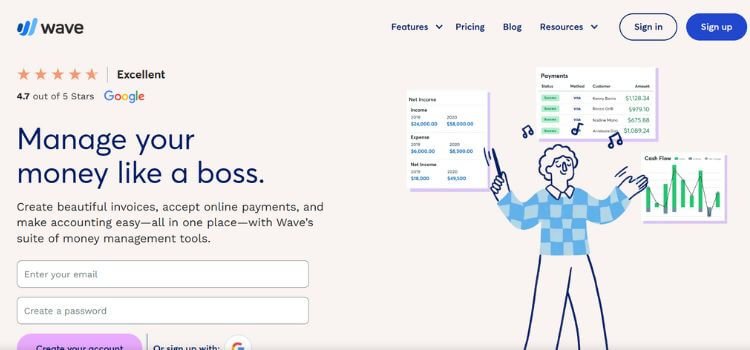
Wave is a great option for both personal use and small businesses. It’s especially useful for freelancers and individuals with side gigs.
Key Features:
- Tracks income and expenses efficiently.
- Offers professional invoicing tools for free.
- Provides detailed financial reports.
Pros:
- No hidden fees or charges.
- Excellent for tracking personal and business finances.
- Easy-to-use dashboard.
Cons:
- Not ideal for investment tracking.
- Lacks advanced features like goal setting.
My friend, who runs a small online shop, loves Wave. She said it saves her hours of manual bookkeeping each month and makes invoicing her clients a breeze.
3. Personal Capital

If you want to combine budgeting with investment tracking, Personal Capital is a top choice. It gives you a clear overview of your financial health.
Key Features:
- Tracks daily expenses and income.
- Analyze your investment portfolio.
- Offers retirement planning tools.
Pros:
- Focuses on long-term financial planning.
- Visualize your net worth with easy-to-read charts.
Cons:
- Geared more toward investments than daily budgeting.
- Some advanced features require paid upgrades.
I started using Personal Capital to understand my investments better. The retirement planning tools gave me the confidence to make smarter financial decisions.
4. GnuCash
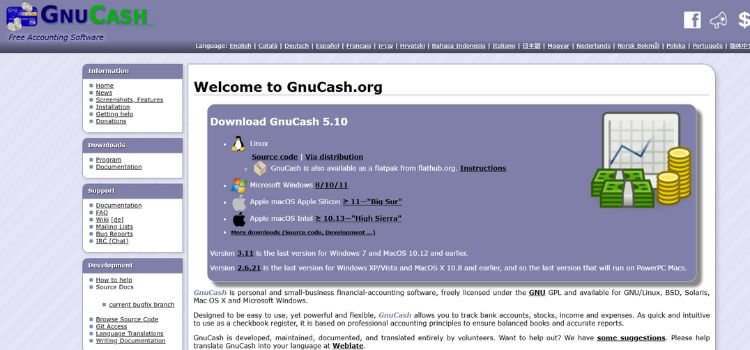
GnuCash is a robust, open-source tool perfect for those who prefer offline software. It’s packed with features for detailed financial management.
Key Features:
- Supports double-entry accounting for precise record-keeping.
- Tracks both personal and business finances.
- Works offline, ensuring maximum privacy.
Pros:
- Completely free with no ads.
- Customizable and highly secure.
Cons:
- Steep learning curve.
- Outdated interface compared to modern apps.
Many people in Bangladesh use GnuCash as a step up from traditional ledgers. It’s ideal for families managing household expenses.
5. Zoho Books Free Plan
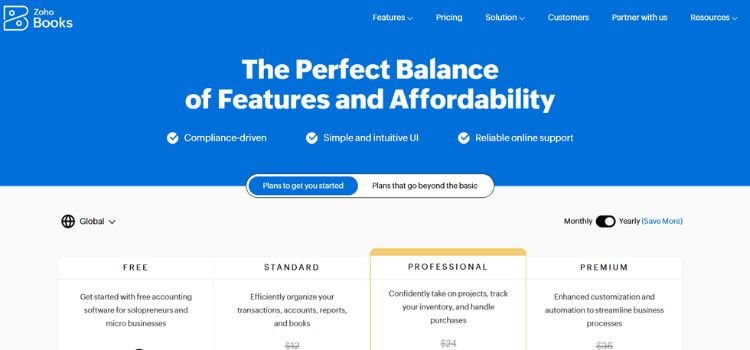
Zoho Books’ free plan is designed for individuals and small-scale users. It’s simple, effective, and reliable.
Key Features:
- Tracks income and expenses effortlessly.
- Supports multi-currency transactions.
- Offers basic invoicing and financial reports.
Pros:
- Clean and intuitive interface.
- Excellent for light accounting needs.
Cons:
- Limited features in the free version.
Zoho Books is great for users who need a lightweight tool to manage their finances without unnecessary extras.
6. Money Manager Ex
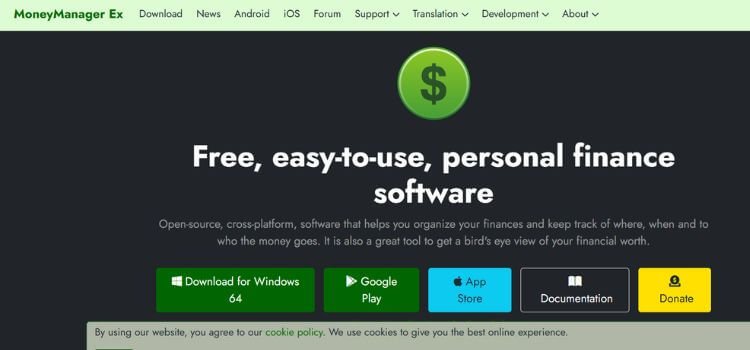
Money Manager Ex is ideal for individuals who want a simple and distraction-free way to manage their finances.
Key Features:
- Tracks expenses and income manually or through imports.
- Monitors assets, loans, and debts.
- Works offline for added privacy.
Pros:
- Minimalist interface.
- No ads or upselling.
Cons:
- Requires manual input for most features.
I recommended Money Manager Ex to a cousin who was new to budgeting. She found it easy to use and appreciated the simplicity.
7. PocketGuard

PocketGuard simplifies budgeting with its automated “In My Pocket” feature, showing you how much you can safely spend.
Key Features:
- Syncs with your bank accounts to track income and expenses.
- Helps you avoid overspending.
- Break down your spending by categories.
Pros:
- Great for avoiding unnecessary expenses.
- User-friendly interface.
Cons:
- Limited customization in the free version.
I used PocketGuard when I struggled with overspending. Seeing exactly what I had left to spend each month made budgeting much easier.
7 Best Free Accounting Software Comparison
| Software | Best For | Key Feature | Cons |
|---|---|---|---|
| Mint | Budgeting | Auto expense tracking | Ads can be distracting |
| Wave | Freelancers | Free invoicing | Basic features only |
| Personal Capital | Investments | Retirement planning | Paid upgrades |
| GnuCash | Offline users | Double-entry accounting | Steep learning curve |
| Zoho Books | Simple needs | Multi-currency support | Limited free features |
| Money Manager Ex | Minimalist tracking | Offline functionality | Manual input needed |
| PocketGuard | Budget simplicity | Spending insights | Limited customization |
How to Choose the Right Software for You
Ask yourself these questions:
- Do you prefer automation? Choose Mint or PocketGuard.
- Need offline tools? Try GnuCash or Money Manager Ex.
- Want to track investments? Go for Personal Capital.
- Looking for business-friendly features? Wave is the way to go.
FAQs
What is the best free accounting software for beginners?
For beginners, Mint and PocketGuard are excellent choices. Both offer user-friendly interfaces and automate expense tracking, making them perfect for first-time users.
Can I use these tools offline?
Yes, GnuCash and Money Manager Ex are offline tools, that allow you to manage your finances securely without an internet connection.
Are these tools secure?
Absolutely! Tools like Mint, Wave, and Personal Capital use encryption to protect your data. Offline options like GnuCash and Money Manager Ex also offer enhanced privacy.
Which software is best for freelancers?
Wave stands out for freelancers, offering free invoicing, income tracking, and expense management tailored for small businesses and side gigs.
Do I need to link my bank account?
It depends on the software. Mint, Personal Capital, and PocketGuard sync with bank accounts for automation, but tools like GnuCash and Money Manager Ex allow manual entry if you prefer.
Final Thoughts
Free accounting software can take the stress out of managing your finances. Whether you need simple budgeting tools or advanced features, there’s an option here for you. The best part? You don’t have to spend a dime.
What’s your favourite accounting tool? Have you tried any of these? Share your experience in the comments!